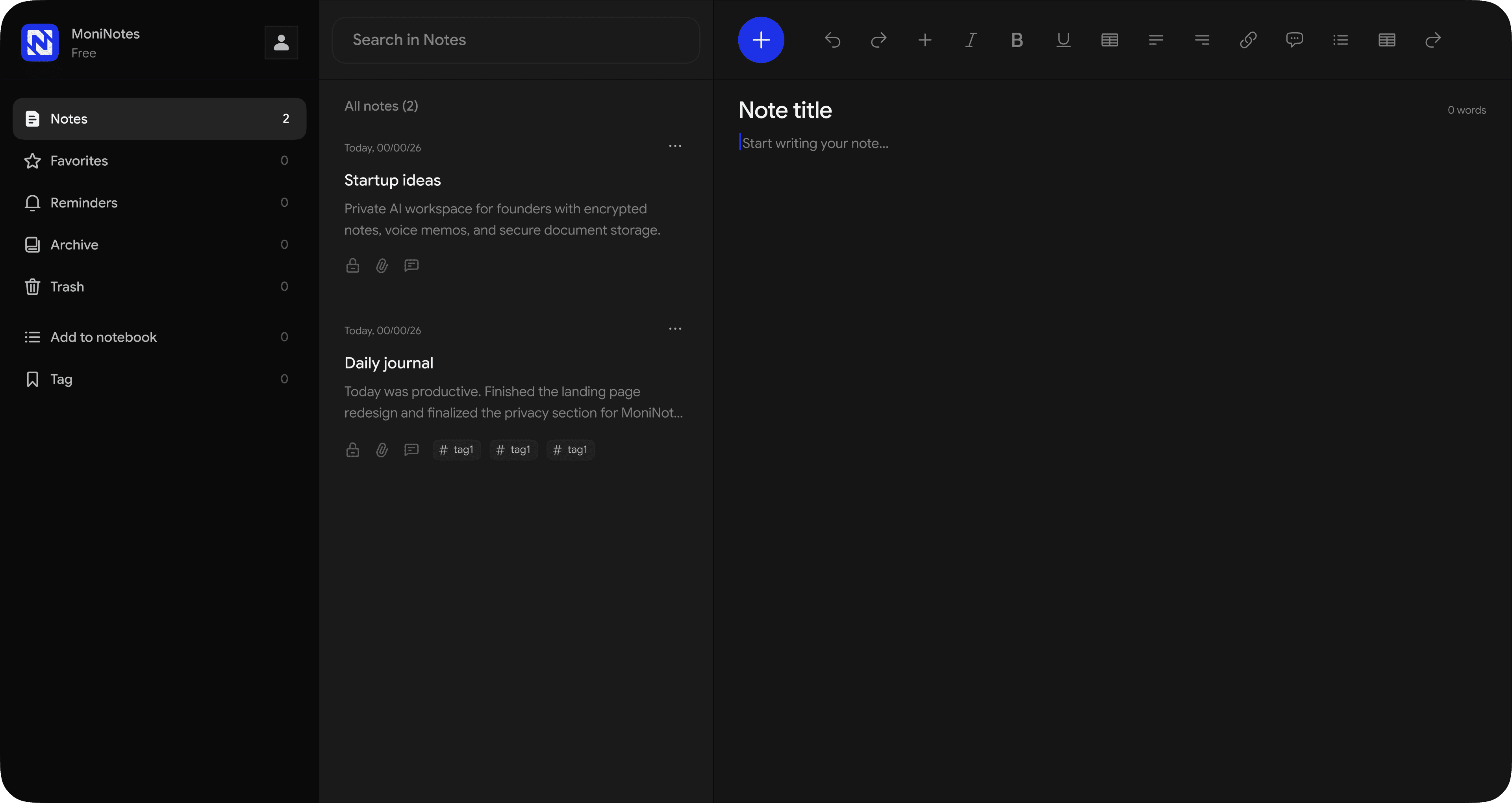
Simple note-takingwith powerful privacy

No tracking. No data collection. Just your notes.
MoniNotes official logo: A stylized, connected blue letter 'M' forming a shield icon, representing secure and private note-taking.

Everyday features

Simple tools to help you write, organize, and focus.
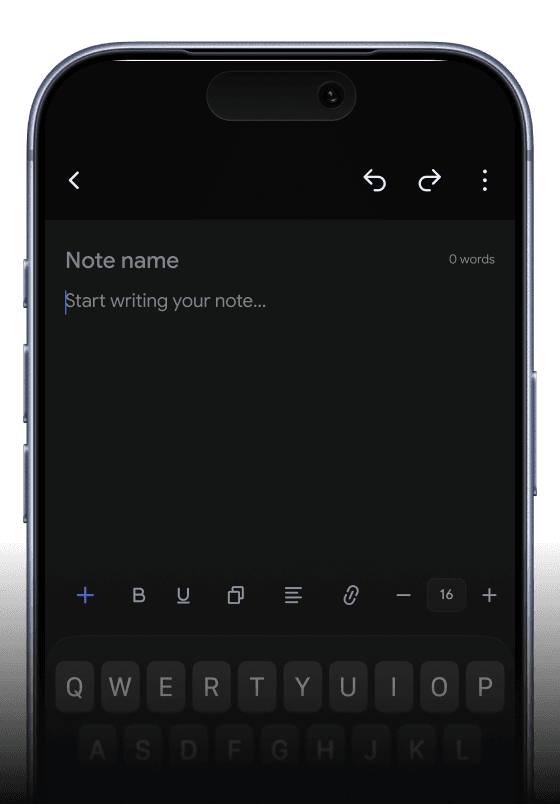
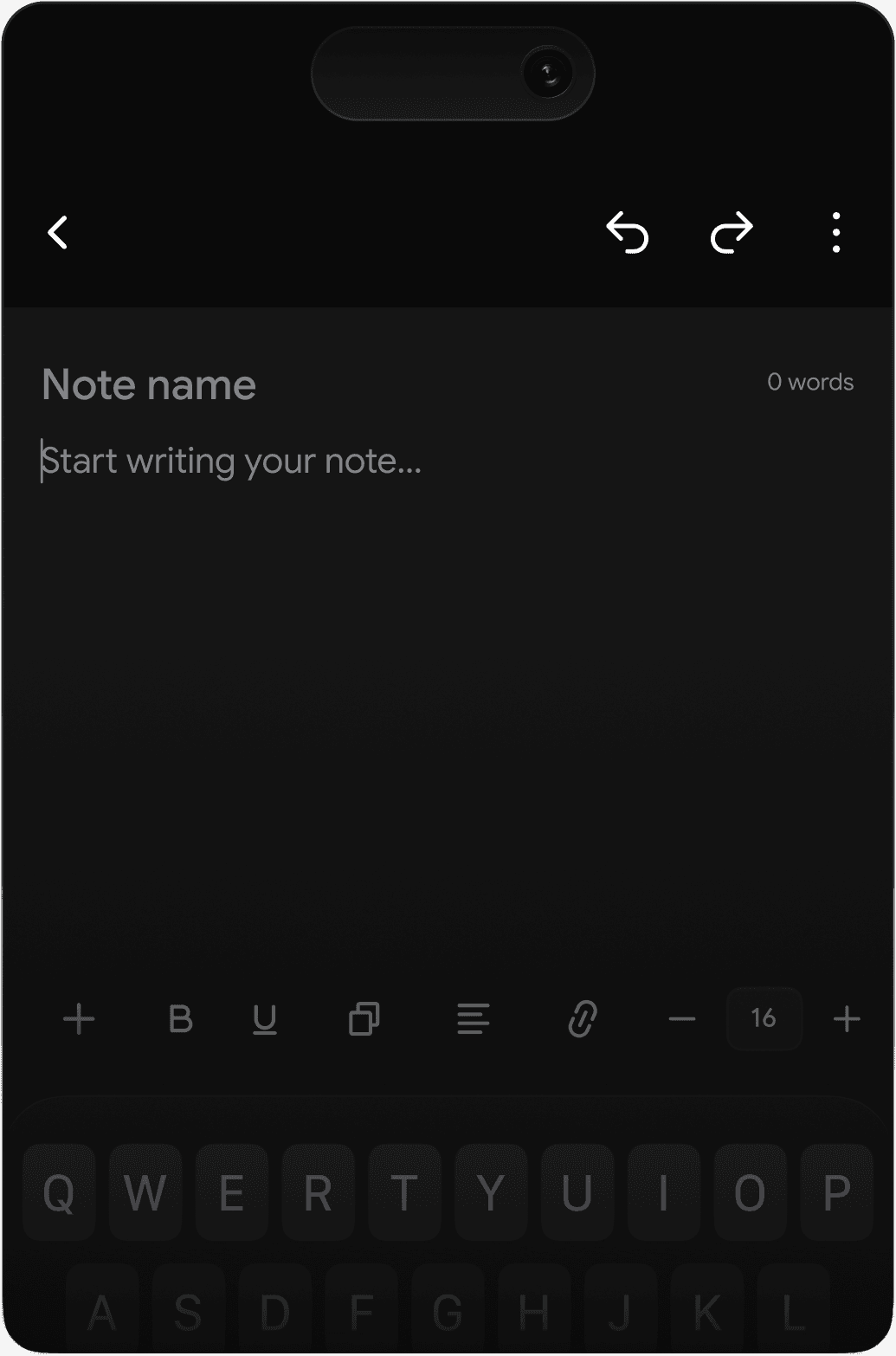
Mobile phone interface showing the MoniNotes rich text editor with a typing cursor, a blank digital note page, and formatting tools.

Rich text editor

Write and format notes with headings, lists, checklists, quotes, and rich text tools in a clean editor designed to help you stay focused.

Privacy features

Private by design. Protected by zero-knowledge encryption and military-grade security, even offline.

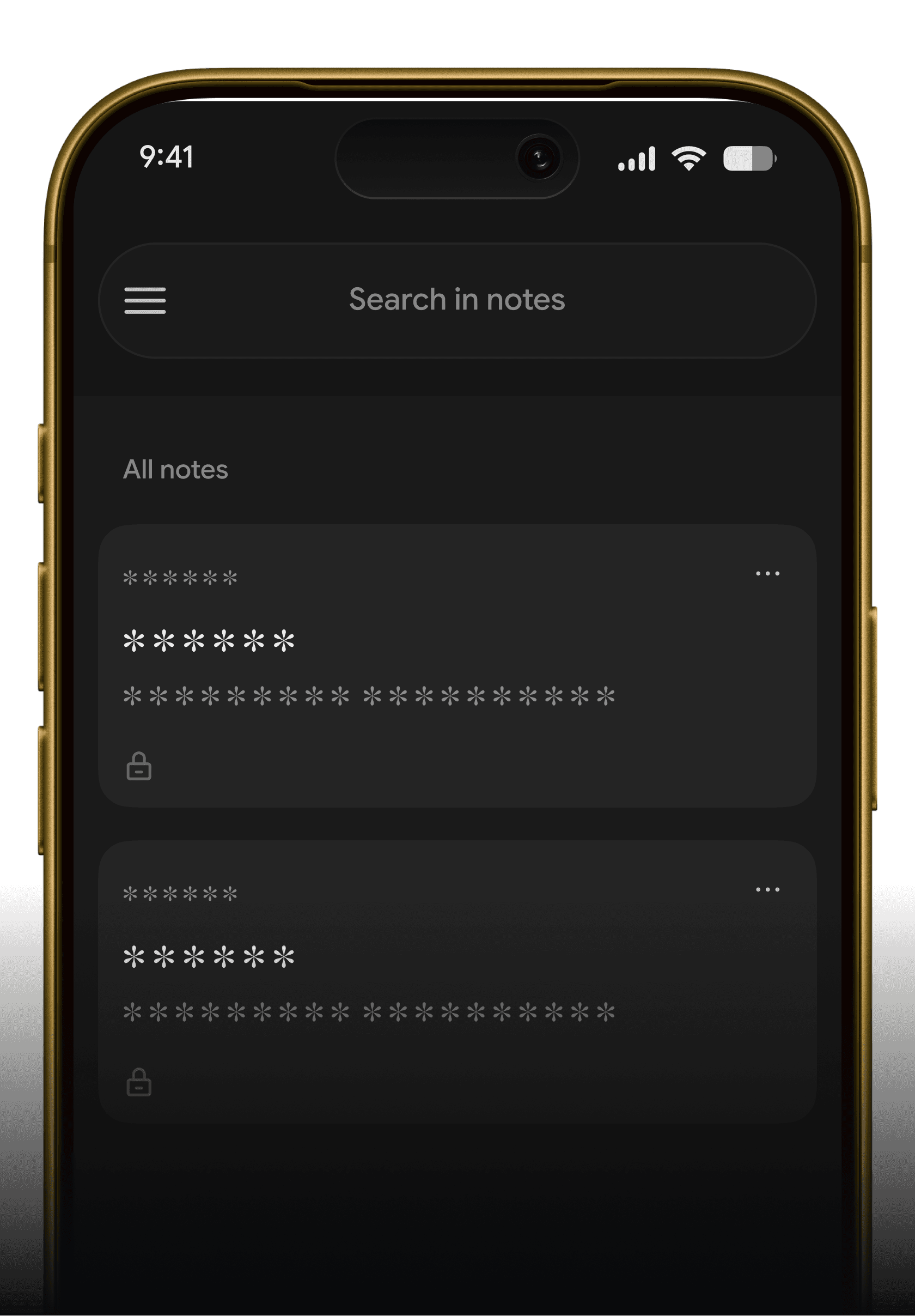
Smartphone displaying the MoniNotes secured list interface, showing encrypted, hidden note previews protected by zero-knowledge architecture.

Zero-knowledge encryption

Your notes are encrypted before they leave your device, so only you can read them - not even MoniNotes can access your private data. We never see, track, or store it.
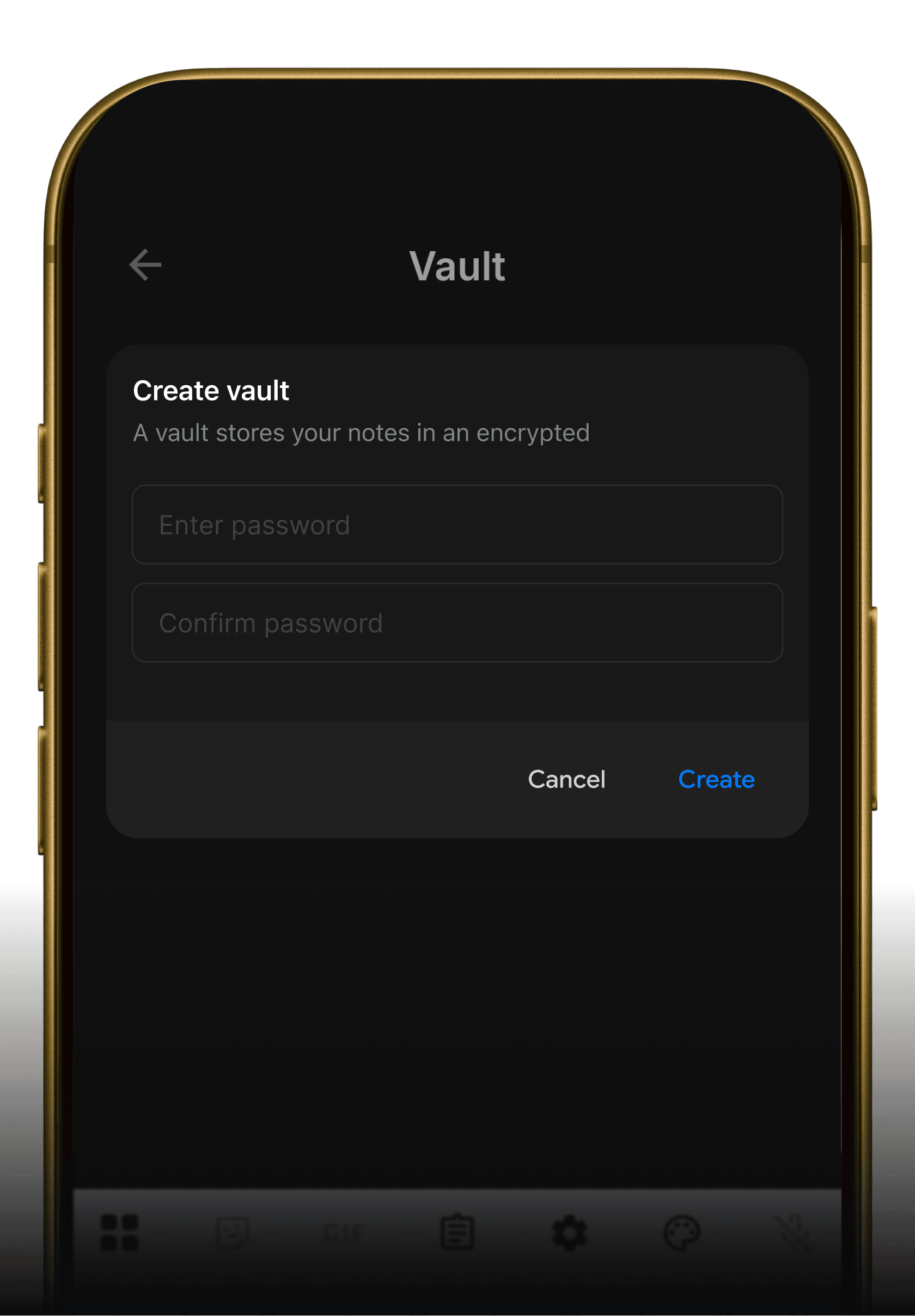
Mobile phone interface showing the MoniNotes Create Vault screen, prompting the user to enter a password to shield highly private folders.

Vault

Add an extra layer of protection for sensitive notes using a secure vault designed to keep private information hidden and protected.
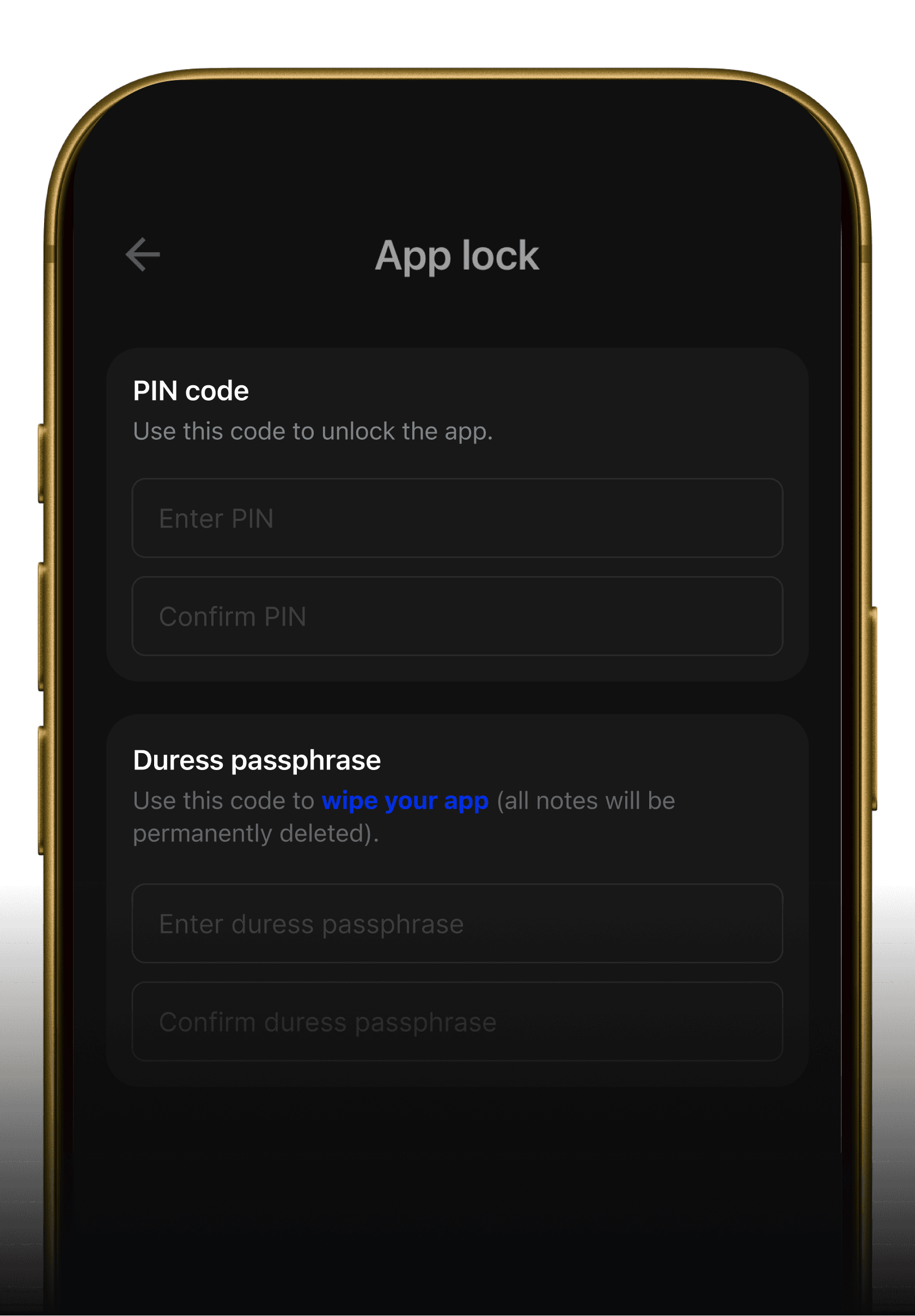
A smartphone screen displaying MoniNotes security settings, configuring an App Lock PIN code and a security-focused Duress passphrase for emergency data protection.

App Lock / Duress passphrase

Secure your notes with a private PIN lock and Duress passphrase. Designed to protect sensitive information from unauthorized access in everyday and high-risk situations.

Why MoniNotes is different

Built to protect your notes — not collect your data.

Typical note apps

  • Uploaded before encryption

    Your notes may be processed before encryption.
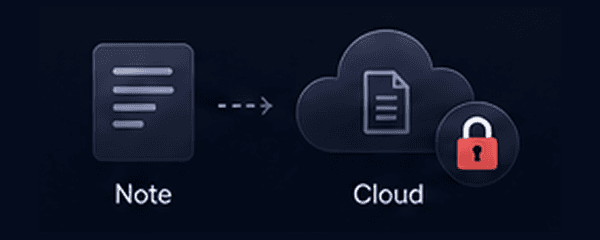
    Diagram showing an unencrypted note file sent directly to a cloud server with a red lock symbol, indicating vulnerable processing.
  • Tracking & analytics

    Your data can be collected, tracked, and analyzed.
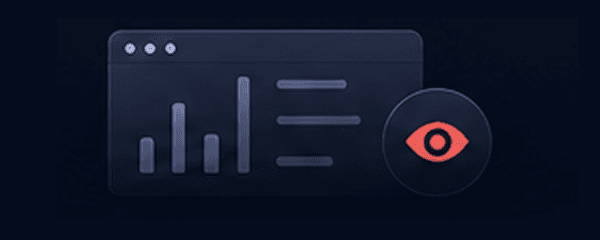
    Graphic of data analytic charts and a red eye icon, illustrating user data being tracked and scrutinized.
  • Internet required

    Some features or your notes need an internet connection.
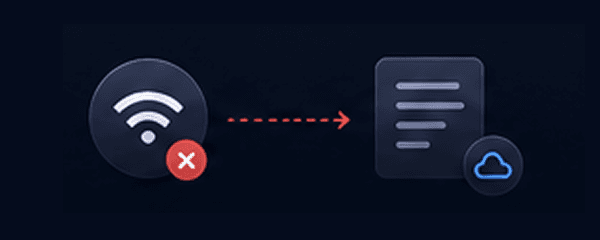
    Diagram showing a Wi-Fi icon with a red 'X' disconnected from a note document, representing a reliance on internet access.
  • Basic app lock

    Only locks the app. Easy to bypass.
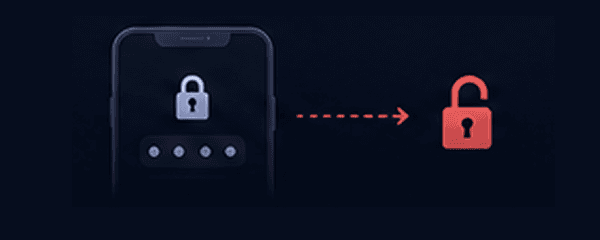
    Icon of a standard smartphone password screen leading to an unsecure red open padlock, symbolizing easily bypassed app locks.
  • No duress protection

    No way to hide sensitive notes in risky situations.
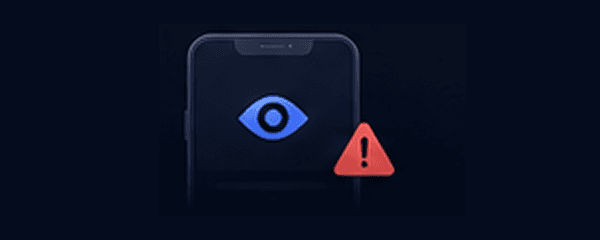
    A smartphone screen graphic showing an eye icon and a red warning triangle, depicting exposure of sensitive files in risky scenarios.
  • They can access

    The service provider may access your content.
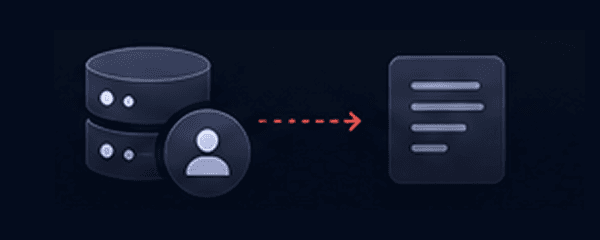
    Diagram showing an external administrator database icon linked directly to a note file, signifying that service providers can read content.

MoniNotes

  • Encrypted before sync

    Notes are encrypted on your device before they leave.
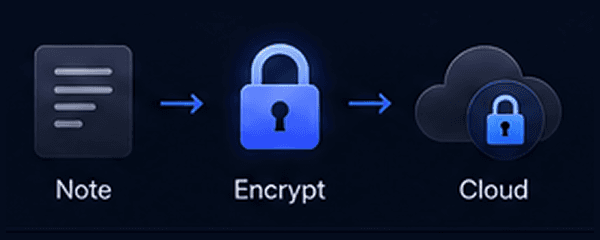
    Diagram showing a note document passing through a secure blue padlock icon before syncing to the cloud, representing local client-side encryption.
  • No tracking. Ever.

    We don't collect, track, or analyze your data.
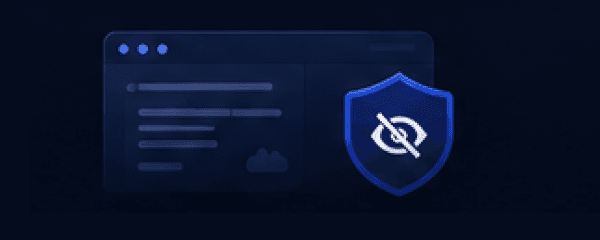
    An icon layout displaying data analytics sheets hidden behind a blue shield with a crossed-out eye, representing absolute tracking block.
  • Works offline

    Access and edit your notes anytime, anywhere.
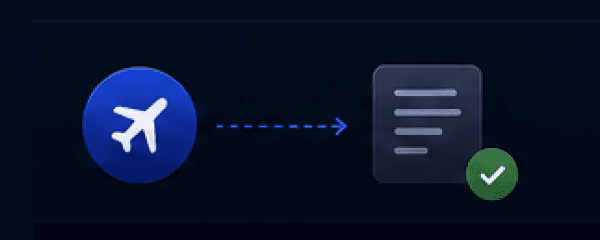
    An airplane icon pointing to a note folder with a green checkmark, illustrating full offline data editing and app performance.
  • App Lock

    Lock with PIN, stronger protection for your notes.
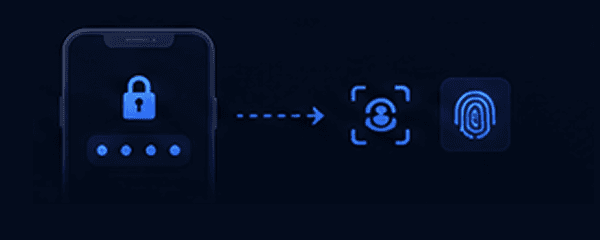
    Graphic displaying a smartphone PIN lock screen verifying biometric face recognition and fingerprint scan icons for advanced app protection.
  • Duress passphrase

    Use a hidden passphrase to unlock a decoy account in emergencies.
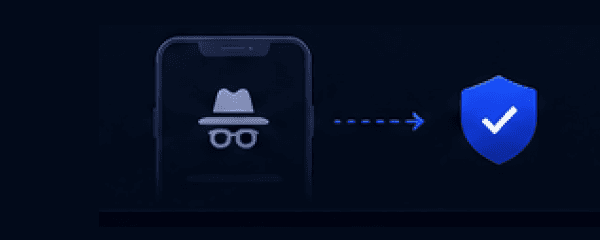
    An icon of a hidden incognito figure leading safely to a blue checkmark shield, depicting an emergency duress passphrase unlocking a decoy profile.
  • Only you have the key

    Only you can unlock and read your notes.
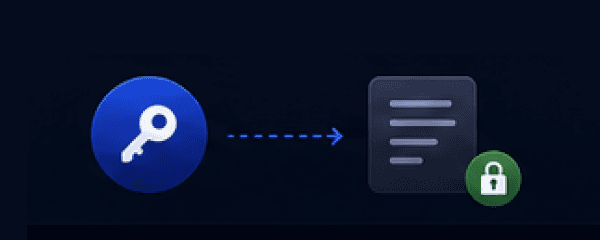
    An icon of a physical key unlocking a note file with a green closed padlock badge, illustrating total cryptographic key ownership.

Flexible Pricing Plans

Try Essential & Pro free for 7 days. Cancel anytime.

Free

Start simple. Stay private.

$0 / month

free forever

Get Started
  • End-to-end encrypted
    Included
  • StorageOn-device
  • Maximum file size10 MB
  • Colors7
  • Notebooks50
  • Security Grade4/5
  • Full quality images
    Not included
  • App lock
    Not included
  • Duress passphrase
    Not included

Essential

More space. More control.

$1.67 / month

billed annually at $19.99 including tax

Start with Essential
  • End-to-end encrypted
    Included
  • Storage1 GB
  • Maximum file size100 MB
  • Colors20
  • Notebooks500
  • Security Grade4/5
  • Full quality images
    Included
  • App lock
    Included
  • Duress passphrase
    Not included

Pro

Most popular

Full power. Maximum privacy.

$5.83 / month

billed annually at $69.99 including tax

Start with Pro
  • End-to-end encrypted
    Included
  • Storage10 GB
  • Maximum file size1 GB
  • ColorsUnlimited
  • NotebooksUnlimited
  • Security Grade5/5
  • Full quality images
    Included
  • App lock
    Included
  • Duress passphrase
    Included

Prices shown are for web purchases. Prices may vary on other platforms.

Download app

Available for free on all your devices

Desktop app

Windows
Coming soon